
Interactive Demo
Watch an animated walkthrough of the site, or click any element to interact yourself. Choose between the and the .
Web Browser — Confession Prep
A fully interactive simulation. Press Play to watch the cursor walk through each step automatically, use the arrows to advance manually, or click any element in the demo directly.


Confiteor
Prepare for Confession with prayer, clarity, and peace. No account or installation required.
Browse the Examen to add or remove Examination Questions from this list.
First Commandment
“You shall have no other gods before Me. (Ex 20:3)”
Second Commandment
“You shall not take the name of the LORD your God in vain. (Ex 20:7)”
Third Commandment
“Remember the Sabbath day, to keep it holy. (Ex 20:8)”
Visit confiteor.org and tap Begin Preparation to open the Confession Prep tool — no login or account needed.
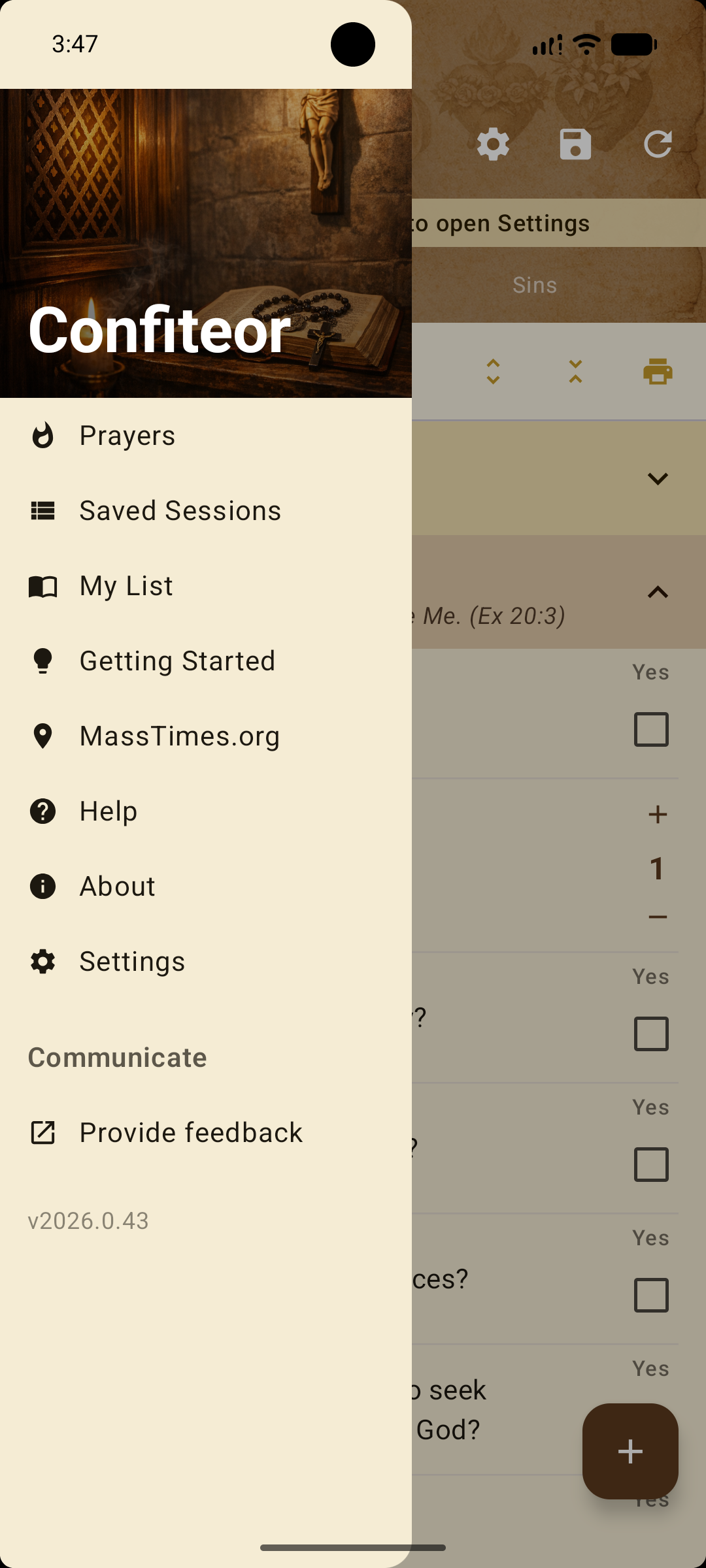
How It Works — Quick Reference
- 1
Open confiteor.org/prepare
Works in any browser — phone, tablet, or computer. No login or installation required.
- 2
Choose an examination module
Select a module from the Examination Questions dropdown on the Examen panel.
- 3
Work through the questions
Expand sections and check any question that applies. Set a count for frequency.
- 4
Review your sins list
Switch to the Sins panel to see a clean list of everything you recorded.
- 5
Use the Walkthrough at confession
The Walkthrough panel guides you step-by-step with your sins included.
- 6
Print or clear
Print a copy of your sins or walkthrough, or tap Clear All to begin fresh.
Important Disclaimer
Confiteor is a preparation aid to help you make an examination of conscience made in the light of the Word of God and to form real contrition—sorrow of the soul and detestation for the sin committed, together with the resolution not to sin again.
It is not the Sacrament of Penance, does not absolve sins, and cannot replace sacramental confession with a priest.
To receive absolution, you must go to a priest and celebrate the sacrament of confession.